
Thikra Blog shares smart living tips, home gadget updates, and lifestyle technology insights tailored for UAE readers.
I’ve been trying to be the kind of person who keeps a journal. But every time I’ve tried, I’ve ended up repeating the same cycle: download the app, journal for a day or two, and then life gets busy, and the app gets deleted. I even tried journaling on paper, but failed. This puts me under the guilt of not being able to achieve even a simple task that takes so little effort. And makes me procrastinate throughout the day.
Right when I was thinking of giving up on the thought of journaling, Google announced its new journaling app. At first, I thought it was just yet another spaghetti on the wall. However, I decided to give it one last try before I add “not to try journaling again” to my 2026 resolution list.
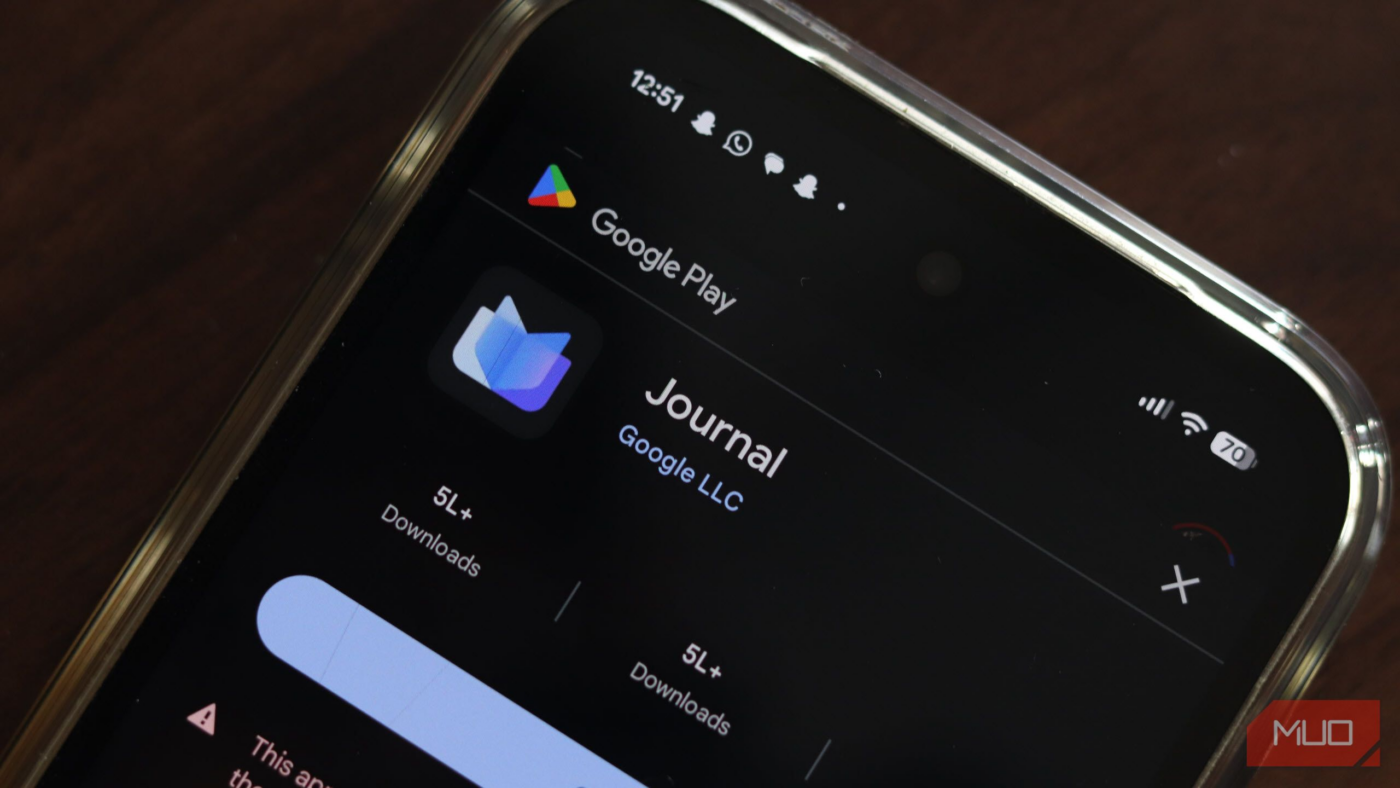
After using Google’s Journal app for a month and a half, I feel it’s one of the best journaling apps for someone like me. Instead of flooding with the same old journaling shenanigans, it changed my habit with the help of its AI and useful features.
Why do most other journaling apps fail me?
Friction packed in a pretty cover

The fundamental difference between Google’s Journal app and other journaling apps is the friction they create, which is the primary enemy of any consistent habit. Traditional journal apps like Day One ask too much of me. When I launched one such app, it presented me with a blinking cursor and expected me to summon a profound reflection on my day from thin air.
This blank page syndrome is paralyzed by the paradox of choice. Did I do anything worth writing about today? Over time, the mental load of justifying opening the app outweighs the perceived benefit of keeping the record.
Other apps try to solve this with relentless notifications or gamification streaks, which only turn the activity into a chore — another box to tick on a digital to-do list alongside the digital wellbeing tools.
Google’s Journal sidesteps this entirely with the help of its advanced AI capabilities by assuming you have already lived the story; it just needs you to confirm the details.
Journal isn’t yet another journaling app
It’s a friend who takes notes for you throughout the day
Journal changed my habit at its core, not by adding more tools, but by understanding how hard it is to face a blank page. By using Android’s productivity apps, Google has shifted the focus from writing to curating.
This solves writer’s block by letting on-device AI do the heavy lifting for me. It turns the data on my phone into a story, so I don’t have to type anything unless I want to.
AI reflections that are actually useful
Journal comes fused with Gemini Nano, Google’s efficient, on-device AI model. A while back, the word AI integration usually meant a Clippy-style chatbot that hallucinates wrong answers or writes soulless emails. However, the implementation here is surprisingly grounded and very humane.
Instead of generic prompts like “What are you grateful for?”, the app analyzes your device’s activity locally to generate context-aware suggestions. This is a massive psychological shift. I no longer have to remember my day; the app serves it based on the places I visit, the pictures I take, and the activities I do. I use the Magic Wand tool — a generative AI feature — to turn my rough notes into a coherent, grammatically correct paragraph.
Since this activity happens on a device with Gemini Nano, it doesn’t have to feel like I’m deliberately feeding my life into a cloud server for ad targeting. The privacy-first approach is essential here; if I felt Google was using my deepest thoughts to sell me a course or a coffee bean, I’d have uninstalled Journal’s immediately.

This Journaling App Helps Me Be My Best Self: Here’s How
More than a diary—it’s a mental reset button.
It’s a journaling app with a scrapbook built in
Google’s Journal acts less like a journaling app and more like a digital scrapbook that pulls from the massive amount of data your phone already collects throughout the day. This is where Journal leverages the full weight of Google’s ecosystem — Photos, Maps, and Health Connect.
When I open a new entry, I rarely start from zero. The Suggestions pane is often already populated. This transforms the user experience from creation to curation. My journaling flow is now swift: I tap the “Afternoon Walk” suggestion (which includes a map snippet and my step count), select the two best photos from that timeframe, and hit save. I have created a rich, multimedia memory of my day in roughly 30 seconds.
For a professional procrastinator like me, this convenience is the difference between keeping a habit and abandoning it. It acknowledges that our lives are already digital, and we don’t need to retype our activities; we just need a central hub that aggregates them.

I use this app for all my journaling and you should too
The app that transformed my journaling habit
Mood tracking that is also insightful
While the automation is great for logistics, the app adds a layer of emotional depth with its Sentiment Analysis and Mood Tracking. I initially dismissed this as fluff — a simple “smiley face” selector seemed too rudimentary to be useful. However, the value lies in aggregating data over time.
The app lets you pick a mood and, if you want, note what influenced it, like family, work, or sleep. The calendar view then fills in your month with these emotional notes.
After three weeks, I looked at the Insights tab and saw a real pattern I hadn’t noticed before. My mood dropped on days when my screen time was over four hours, and it improved on days when I worked out using Health Connect. Seeing this connection in the data made the app feel like a true wellness tool. It wasn’t just tracking what I did; it was showing me how my actions affected my mood.
Journal is good, but limited
Google is locking up its potential

Following Apple, Google started building its own Walled garden, making Journal a Pixel-exclusive experience. So if you carry a Samsung or a OnePlus, you are out of luck for now, unless you decide to take the charge and sideload the Journal.
Adding to the pain, there’s no desktop app. This is a significant regression compared to Day One or Apple’s Journal, which allows you to journal on your desktop — a must for long-form writers. If I decide to go all in and write a detailed description of my day, I prefer the tactile input of my keyboard over tapping my thumb on a glass slab.
The export options are also currently thin, raising the valid fear of data lock-in. If Google kills this app (which it notoriously does), getting your memories out might be a headache.
However, I would say the mobile-only constraint is a hidden benefit for this type of journaling, as it keeps the stakes low. As soon as I sit at my workstation with a keyboard, I feel like I am back to work. By keeping it mobile-only, it remains an intimate, low-pressure activity — something I’d do in a bus or in bed, rather than a task on my to-do list that requires a mouse and a desk.
Journal is a great journal with the least resistance
I won’t say that Google’s Journal is the most powerful journaling app on the market. It lacks the deep customization of Obsidian and the cross-platform ubiquity of the Day One journal. But for most, customization is not the #1 problem; consistency is.
By removing the friction of the blank page and using the on-device Nano version of improved Gemini AI on Android phones to turn your exhaustion into a meaningful narrative, Google has created an app that leads the path of least resistance and mindfulness.
If you are part of the Google ecosystem, use a chunk of it throughout the day, and have struggled to make journaling stick, check your phone’s app drawer. The solution might already be there, waiting with the question — how was your day — and probably an answer too.

- OS
-
Android
- Developer
-
Google LLC
Google’s Journal app is an AI-powered, private, on-device digital diary for Pixel phones that helps users reflect on daily life, track moods, and set goals. It integrates photos, locations, and health data for personalized, secure writing inspiration.
source
Note: All product names, brands, and references in this post belong to their respective owners.
For more smart home guides, lifestyle tech updates, and UAE-focused recommendations, visit blog.thikra.co.
To shop smart gadgets, accessories, and lifestyle electronics, explore Thikra Store at thikra.co.









Leave a Comment