
Thikra Blog shares smart living tips, home gadget updates, and lifestyle technology insights tailored for UAE readers.
It’s fun to experiment with resolutions and goals. My habits live in one app, finances in a spreadsheet, learning goals in notes, and creative projects drift between half-finished documents. Even with the best intentions, this fragmentation doesn’t give me the whole picture. I wanted one place where my entire year made sense at a glance.
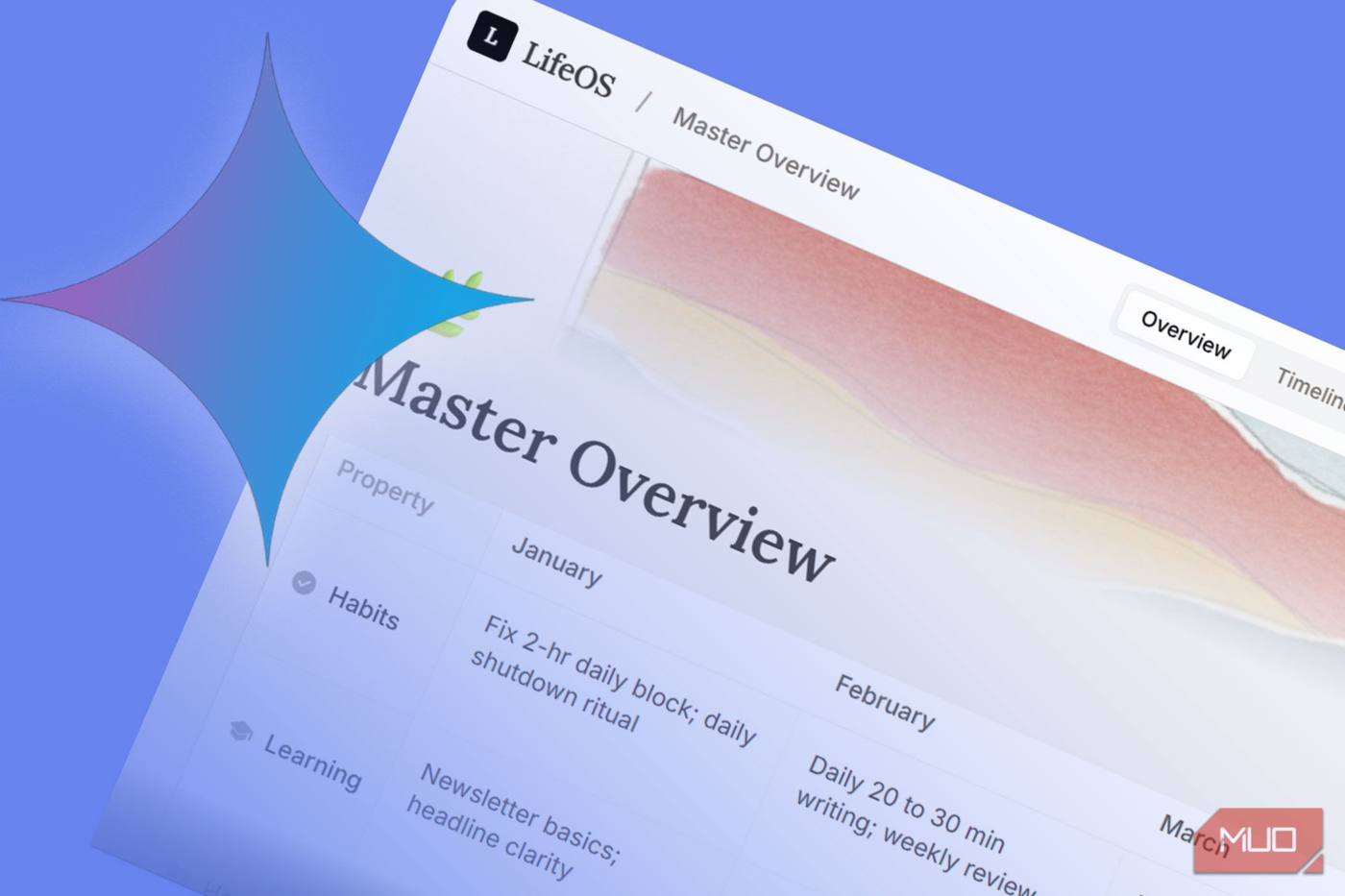
Now, I am playing around with a small setting inside Google Gemini called Dynamic View. With one carefully written prompt and a simple CSV file, I used Gemini to turn my 12-month plan and yearly new year resolutions tracker into an interactive dashboard for habits, learning, health, money, and creative work into a single view.
What Gemini’s Dynamic View really does
It turns Gemini from a chatbot into a lightweight app builder

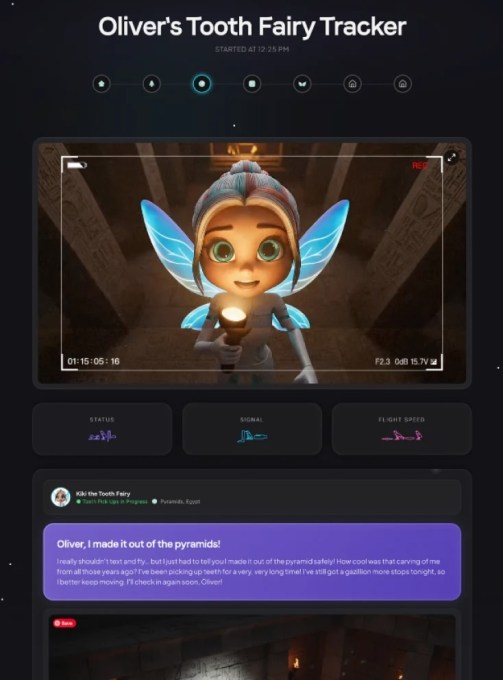
With Dynamic View, Gemini is more than an AI chat tool. Instead of responding with static text or creating images or code, Gemini can generate structured magazine-style layouts with timelines, trackers, charts, and filters, and make them interactive inside the chat. It depends on the data and the prompt you give it.
A Dynamic View of your data doesn’t just explain your goals. It builds an interface around them. You can click buttons, filter your data views, and visualize progress. Tweak the interface as you want. It feels less like chatting and more like working with your own tiny interactive micro-app. And it definitely gives you a lot of room to experiment, especially if you aren’t a spreadsheet expert or don’t know how to create neat infographics.
For those of us who use goal-tracking apps to track goals, the visual richness and interactivity can matter. Plans stop being a staid to-do list. They can become projections you look at across the months.
Preparing your 12-month plan the right way
Clean, structured data makes everything else work

Dynamic View is only as good as the data you feed it. So, clarifying and planning your data becomes the most critical step. Before using Dynamic View, I consolidated my entire year into one file. This can be a text, CSV, or a PDF file. Every goal fits into one of five categories: habits, learning, health, money, or creative projects. Each goal was specific and measurable, with a clear outcome and time frame.
You can also paste text directly into Gemini, but I think a CSV file works best, as you can tweak it and re-run the Dynamic View. Give Gemini a structure it can reliably interpret. The more precise your data, the more useful the final view becomes. This file becomes the reference Gemini uses to build the dashboards. Sometimes, I wireframe the basic design on paper before making it part of the prompt.
The master prompt that unlocks Dynamic View
One instruction changes how Gemini responds

By default, Gemini will summarize or analyze your file. To get an interactive dashboard, you have to tell it—explicitly—to build what you want to see. This is where the master prompt comes in. It’s a bit like using ChatGPT for tracking your goals, but with more interactivity down the line.
You can give Gemini the specifics and ask it to design the perfect prompt for you, as I did. See the exact prompt I used alongside my 12-month plan CSV above.
The basic structure works because it does three important things. It explicitly asks for Dynamic View, it specifies the interface elements, and it tells Gemini to render everything as an interactive app rather than plain text. Once Gemini processes the request, any static plan turns into a live dashboard you can scroll, filter, and interact with.
Refining the dashboard without rebuilding it
You can iteratively edit it like a spreadsheet
The first version Gemini generates doesn’t have to be perfect (and it rarely is). Dynamic View also makes its own share of mistakes. But you can refine the existing dashboard just by describing changes with follow-up prompts.
I asked Gemini to adjust colors, add daily habit checkmarks, and introduce simple progress indicators. I added a small reflection section for weekly learning notes and tweaked charts to better match how I think. Each request updated the dashboard in place instead of starting over.
It feels like any other AI chat as we start collaborating with it and making it better. Dynamic View is still an experimental feature, so expect imperfections along the way.
Turn a one-time build into a lasting system
Once the dashboard is done, it shouldn’t disappear at the end of the session. You can bookmark the chat to revisit your goals every day. Alternatively, you can create a public link and share it with others.
As your yearly plan becomes more interactive, you can return to it to track your yearly goals. I plan to return to it at the end of 12 months and reflect on my goals.
Dynamic View is still in an early stage. But it can quietly transform how Gemini can be used with more immersive magazine-style modules. With one prompt and one file, we have the potential to replace paid tracking apps and create something more customizable for our needs.
source
Note: All product names, brands, and references in this post belong to their respective owners.
For more smart home guides, lifestyle tech updates, and UAE-focused recommendations, visit blog.thikra.co.
To shop smart gadgets, accessories, and lifestyle electronics, explore Thikra Store at thikra.co.



Leave a Comment