
Affiliate links on Android Authority may earn us a commission. Learn more.
November 5, 2025
Today’s Android phones are significantly more advanced than they were just a few years ago, but one thing hasn’t changed: the need for a SIM card. Every phone needs a physical or eSIM card to make phone calls, send and receive text messages, and connect to the Internet. Unfortunately, a network connection is not always guaranteed, as the connection can be affected by hardware and software issues. If you see a “No SIM card” error on your Android phone, here’s what you can do to fix it.
QUICK ANSWER
To fix the "No SIM card" error on Android, check if the SIM card is inserted correctly or if the SIM tray is bent or damaged. You can also see if the SIM card works on another phone. If it doesn't, you will need to contact your network provider to get a new one. To rule out software issues, try restarting the phone, toggling Airplane Mode on and off, and checking the phone's network settings. You might have to pick up a replacement device if nothing works and the error doesn't go away.
JUMP TO KEY SECTIONS
There are a few reasons your Android phone might not detect a SIM card:
There are several things to check. Whatever the case, here’s what you can do to fix the “No SIM card” error on Android.
To fix the issue, you’ll need to troubleshoot the SIM card itself, your phone’s software, and potentially network settings. Find the potential remedies for your “No SIM card” issue below.
The first step to fix the “No SIM card” error is to check the SIM card itself.
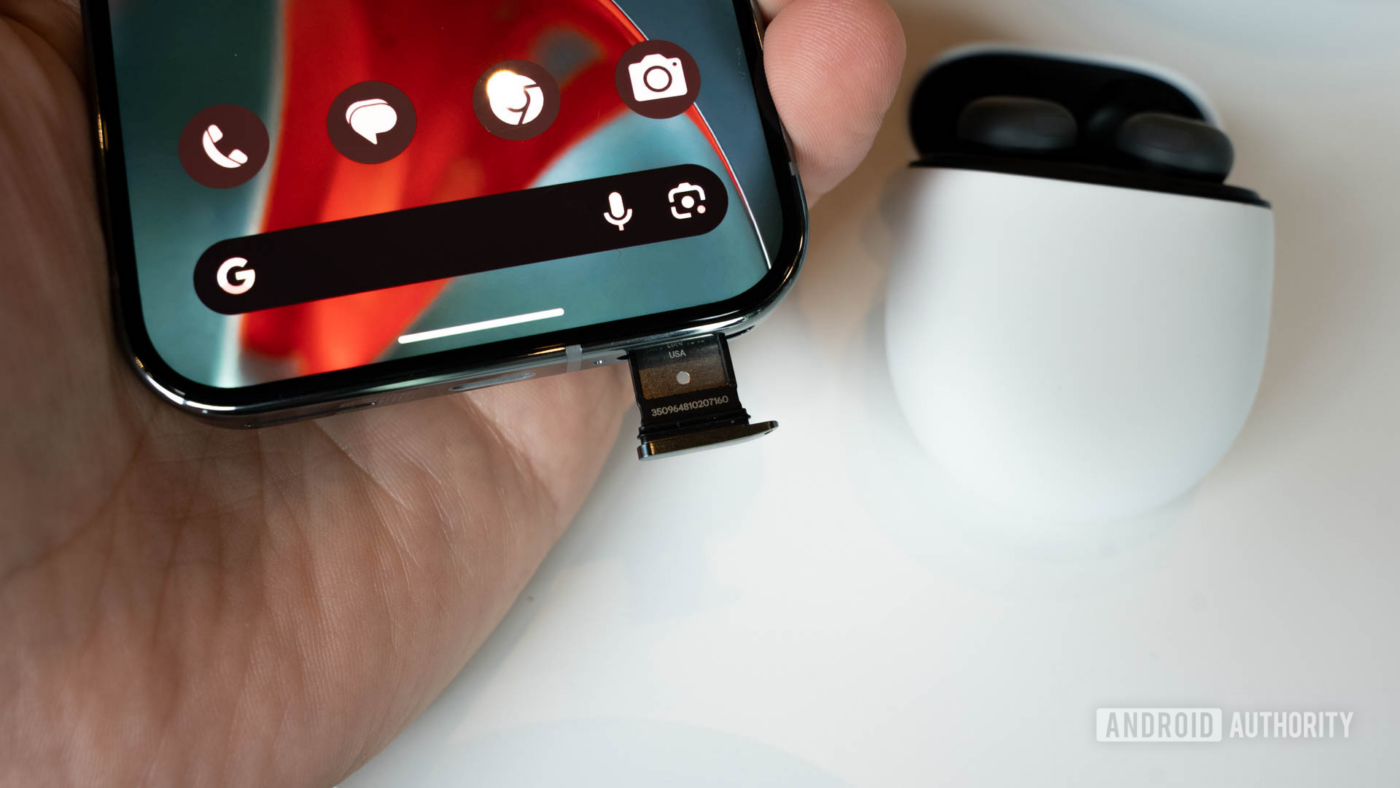
Take the SIM card out of the tray and carefully place it back. It should sit flush with the tray and not pop out easily. Then, insert the SIM tray into the phone and check if the error goes away.
A dirty or damaged SIM card might also cause this issue. Clean the SIM card before you insert it into the phone again. If it’s damaged, your only option is to get a new SIM from your network carrier.
Ensure that the phone’s SIM tray isn’t bent or damaged.
If the tray doesn’t release easily or you need to force it back into the phone, you might have to replace it. You can confirm whether it’s a hardware issue by checking the SIM card on another phone. If it works on other devices, you likely have a hardware problem on your phone. Contact an authorized service center to repair or replace your smartphone.
If you’re getting the “No SIM card” error because of software problems, there are a few basic troubleshooting steps you can try.
If you see the “No SIM card” error on a new phone, you might have to contact your network provider to see if there’s a network or settings issue. You likely need a new SIM card if the error pops up suddenly on your older phone. You can also contact the phone maker’s customer service to check whether this is a known software problem and see if they can help out in any way.
Thank you for being part of our community. Read our Comment Policy before posting.
To shop authentic smartphones, accessories, and power solutions, visit Thikra Store.




Leave a Comment