
Thikra Blog shares smart living tips, home gadget updates, and lifestyle technology insights tailored for UAE readers.
Most of the software installed on our devices today is working a double shift. Its primary job might be to play music or open an image, but its secondary job (and the one that pays the developers’ bills) is to upsell subscriptions, harvest behavioral data, or keep our eyeballs glued to a feed. We have become so accustomed to our apps acting like salespeople that we’ve forgotten what it feels like to use an app that is just … an app.
So, I recently spent some time testing a handful of FOSS apps on both Windows and Android. I entered the experiment knowing that open-source software isn’t always the better choice, so I only expected them to be functional alternatives. However, what I didn’t expect was how easily they muscled their way into my everyday setup — and refused to leave.
Puts a desktop-class photo editor in your pocket
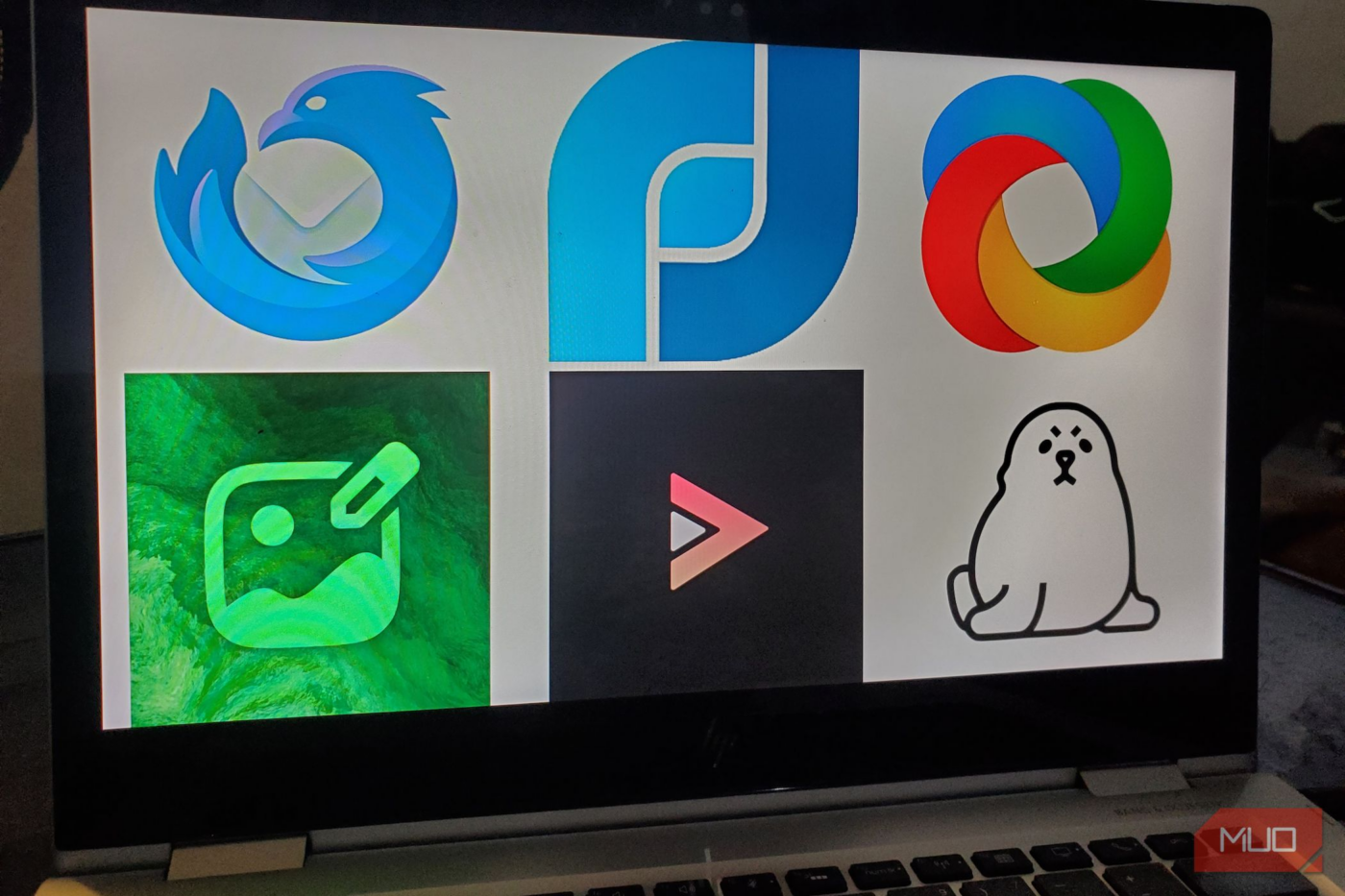
On my PC, I have Paint.NET. On my phone, I used to rely on websites (many of which are sketchy) to quickly resize a photo or convert a PNG to a JPG. That changed when I found Image Toolbox, and what a revelation it is. Resizing images is the least of what it can do. In fact, it’s a veritable Swiss Army knife for photo manipulation. The interface presents dozens of tools in an intuitive grid: crop, compress, convert formats, apply filters, remove backgrounds, generate color palettes from your images, and even encrypt sensitive images using AES-256. It’s the kind of app that keeps revealing new capabilities the longer you use it.

- OS
-
Android
- Price model
-
Free (open-source)
Edit, compress, and convert images easily with Image Toolbox. It packs powerful image tools into a fast, privacy-friendly app for everyday use.
More than all the awesome built-in tools, what I love about Image Toolbox is that it excels at batch processing. You can dump 50 images into it, resize them all to a fixed width, strip out EXIF data for privacy, and convert everything from PNG to WebP in a single pass. And did I mention that all of these are done locally on your device, without an internet connection?
ShareX (Windows)
Automates your screenshots in ways the Snipping Tool can’t
Windows’ built-in Snipping Tool has improved, but I ditched it for this open-source alternative because ShareX is in a completely different league. It initially caught my attention as a screenshot tool, but that label barely scratches the surface. Calling ShareX a screenshot tool feels as limiting as calling a smartphone a calculator.
This Windows workhorse can capture screenshots, record videos, screen record GIFs, and upload files to well over 50 different destinations, all through customizable hotkeys that make you feel like a productivity wizard. After a while, you stop clicking on things and start summoning actions.

- OS
-
Windows
- Developer
-
ShareX
ShareX is a free and open-source screen capture and recording tool for Windows that allows users to capture or record any area of their screen, annotate images, and easily share files to over 80 destinations.
Where ShareX really flexes is automating the boring tasks you do every day. Once it’s set up, the app starts thinking ahead for you. You grab a screen region; it slaps on a watermark, uploads it to your preferred host, and drops the share link straight into your clipboard. Its built-in annotation tools also rival paid software, letting you blur sensitive details, add arrows, or highlight text without ever opening a separate editor.
LibreTube (Android)
Gives you the YouTube Premium experience for free
I’d reached my limit with the official YouTube app’s visual noise — the relentless Shorts, the stray community posts, and those back-to-back unskippable ads (except I’m willing to shell out some cash for the Premium version). LibreTube was my escape hatch. It’s a front end for Piped, which effectively places a privacy-preserving buffer between you and Google’s ecosystem.

- OS
-
Android
- Price model
-
Free (open-source)
Watch YouTube videos without ads with LibreTube. Enjoy a privacy-focused, open-source player with customizable features for a cleaner viewing experience.
You get all the “Premium” features such as background playback, ad-free viewing, and the ability to download videos for offline trips. However, my standout feature is the integrated SponsorBlock. It automatically skips the “This video is sponsored by…” segments inside videos, saving me hours of my life. Because it uses Piped, you can even subscribe to channels without logging into a Google account, keeping your viewing habits completely private.

How to Browse YouTube Anonymously
No one has to know what you’re watching. Use these tips to browse YouTube anonymously.
Thunderbird (Android/Windows)
Unifies email across platforms with elegance


Thunderbird has always been the stalwart of desktop email on Windows. It’s reliable, modular, and supports OpenPGP encryption right out of the box. However, the recent addition of a proper Android app (built on the foundation of the beloved K-9 Mail) has finally closed the loop.

- OS
-
Android, Windows, Linux & Mac
- Price model
-
Free (open-source)
Manage all your emails in one place with Thunderbird. This powerful, open-source client offers strong privacy controls and flexible account management.
The unified inbox alone justifies the switch. Instead of context-switching between Gmail, Outlook, and work email, everything consolidates into a single, searchable interface. Calendar integration works seamlessly across devices, and the attachment handling feels intuitive rather than obstructive. Best of all, Thunderbird actually respects your privacy. It doesn’t scan your emails for ad-targeting keywords or process your messages with AI. You get full control over your own data, the way email should be.
Flow Launcher (Windows)
Finds anything on Windows really fast

If you’ve ever used Spotlight on macOS or Alfred, you have an idea of how clunky the Windows Start Menu search can feel. Flow Launcher replaces it with a simple, beautiful search bar that appears when I hit Alt + Space. From here, I can launch apps, find files, and even execute system commands like “Shutdown” or “Sleep.”

- OS
-
Windows
- Price model
-
Free
Flow Launcher is a free, open-source launcher for Windows that replaces the Start menu with a fast, keyboard-driven search bar to launch apps, find files, run commands, and extend functionality with plugins.
The plugin ecosystem now makes it indispensable. I can use it to calculate math equations, search my browser bookmarks, control Spotify playback, or even kill a frozen process without opening the Task Manager. It is highly skin-able, so it looks great, but more importantly, it makes navigating Windows feel instantaneous.
Seal
Makes downloading high-quality video and audio effortless


Downloading video or audio from the internet is usually a sketchy affair involving ad-riddled websites or apps. Seal is a beautiful graphical interface for yt-dlp, the powerful command-line media downloader.
All you need to do is paste a link, and it handles the rest. Seal allows you to download video and audio from over 1,000 supported sites, not just the big video platforms. You can configure it to automatically embed subtitles, convert audio to specific formats (like FLAC or MP3), and even download entire playlists with a single tap.
It’s not an app I use every day, but when I need it, I’m incredibly glad it’s there.

- OS
-
Android
- Price model
-
Free (open-source)
Download videos and audio easily with Seal. It’s a fast, open-source app that saves content from supported platforms with a clean, simple interface.
These apps started as a test and turned into a commitment
I installed a significant number of apps out of curiosity during this experiment, and I won’t lie—there were several that I uninstalled almost immediately. Some had interfaces that only a developer could love, while others broke under pressure. However, these six I covered above managed to survive the purge and earn a permanent spot on my home screen.
If you’ve been hesitant to step outside the walled gardens of the Play Store or Microsoft Store, these are the perfect entry points to see just how powerful open-source software can be.
source
Note: All product names, brands, and references in this post belong to their respective owners.
For more smart home guides, lifestyle tech updates, and UAE-focused recommendations, visit blog.thikra.co.
To shop smart gadgets, accessories, and lifestyle electronics, explore Thikra Store at thikra.co.







Leave a Comment